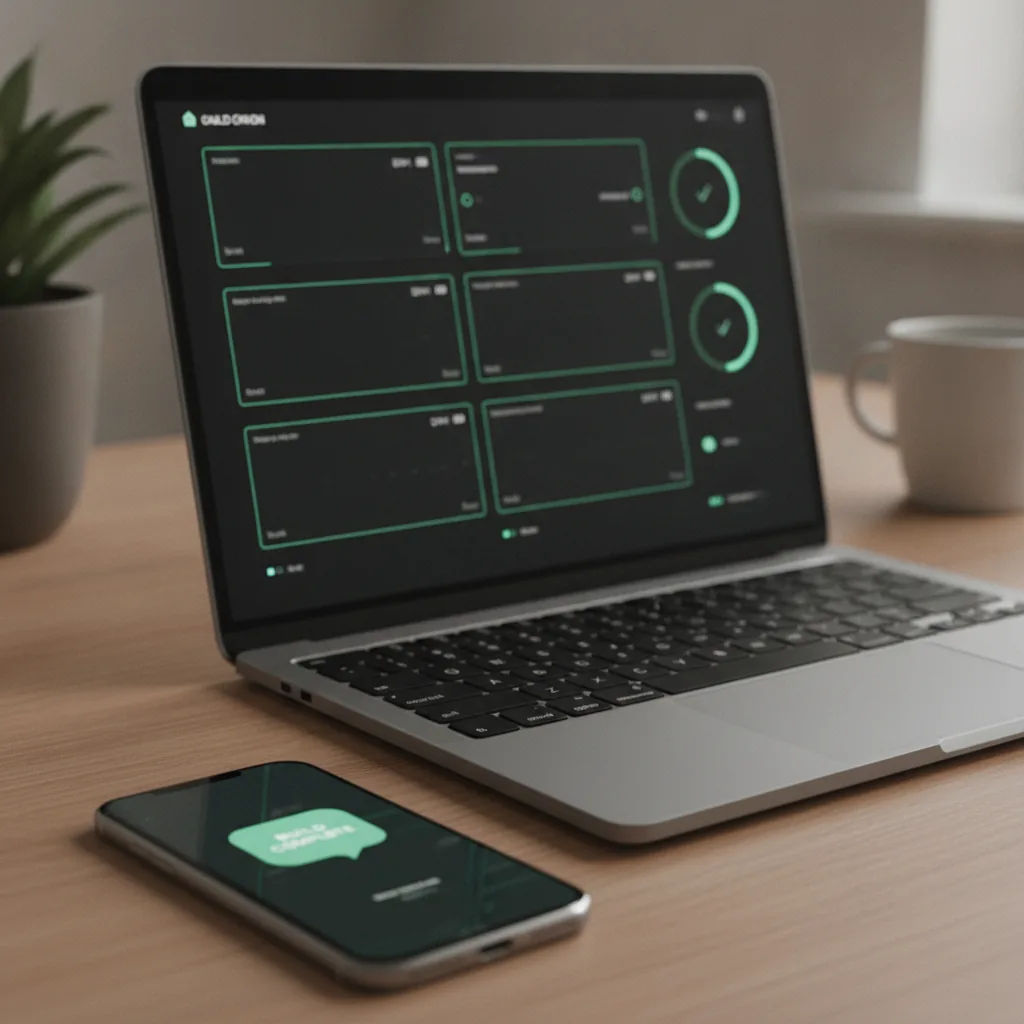
5 Studio workflows I use every day

A day spent building inside Studio: five habits that keep my apps moving autonomously
Clear the queue before I'm out of bed
Several apps means there's almost always something sitting there from overnight, a decision, an approval, something that needs a yes or no from me before it can move again. I clear the queue in bed in about two minutes. I don't like to start the day knowing my apps are waiting on me. I'd rather they were already moving before I am.
Throw the whole idea at it
I have a hard time keeping things concise, especially mid-testing, when my brain's already three ideas past the one in front of me. A bug or a quick idea goes straight into the quick-note box and I keep testing. Something bigger gets dumped on Riku instead, whichever app I'm mid-testing, notes and all, half-formed and out of order, and it comes back with a plan that actually holds together. That's the version I reach for when I want something to argue with before I've committed to building it.

Keep Riku open in five places at once
My ideas and bugs don't wait for a convenient moment. They show up mid-task, and I don't want to stop what I'm doing to deal with them. So I barely close Riku. Five tabs open at once is normal: different apps or sometimes the same app on two different features. I do keep it tidy though: a tab only stays open if it's genuinely in progress. Anything for later gets closed. Finished chats get archived, because something related comes back up actually quite often.
Keep the planner on a leash
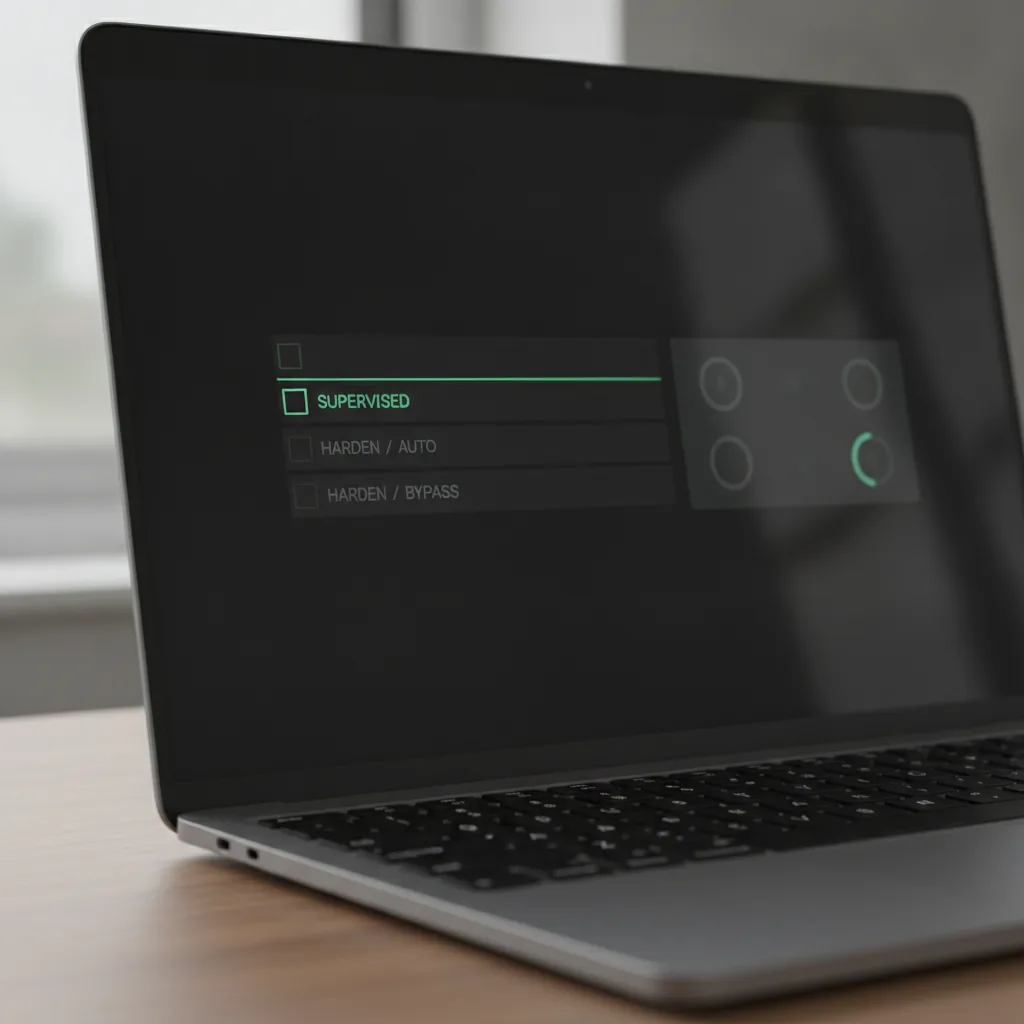
Trusting the planner is a balancing act: let it off the leash too early and it runs wild, hold it too tight and it's dead weight. Early on, while an app's still being built, I keep it on Supervised: plenty of room to flesh things out, but nothing goes anywhere without me looking at it first. Once it's in testing and starting to feel real, I loosen up to Auto, so work runs on its own and only money, public things and open questions wait for me. By the time it's ready for release, it's on Bypass, grinding through the last bugs and polish on its own.
Ship, obsessively
I want to see the thing the second I think of it, not tomorrow, not after going through 30 build and upload steps, now. With Studio there's almost nothing standing between an idea and holding it in my hand: one button, straight onto my phone through my chosen Google Play internal testing track. Most updates are instant updates and show up within a couple of minutes; even a full rebuild is usually quick. I've more or less built my day, and Studio, around not having to wait.