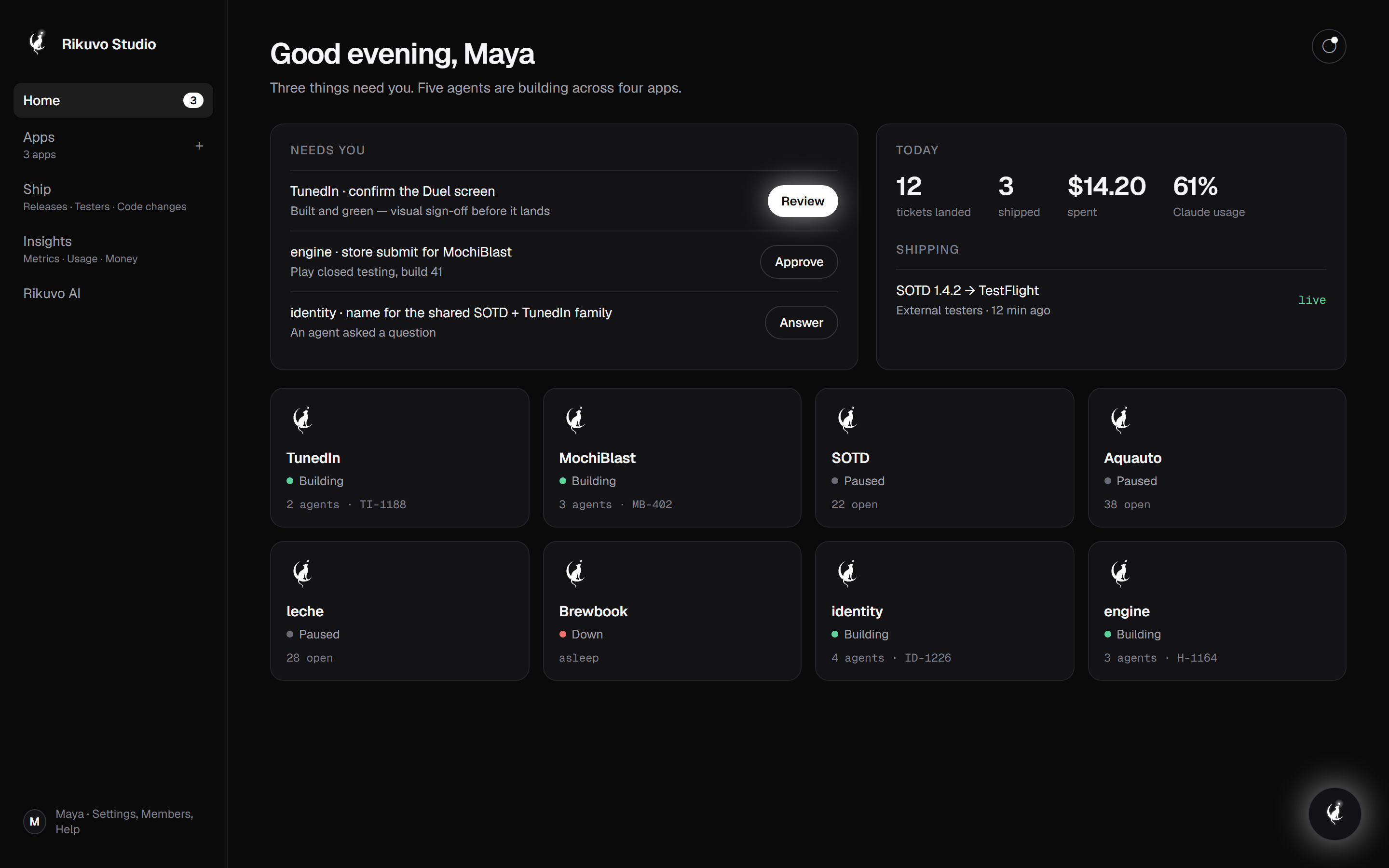
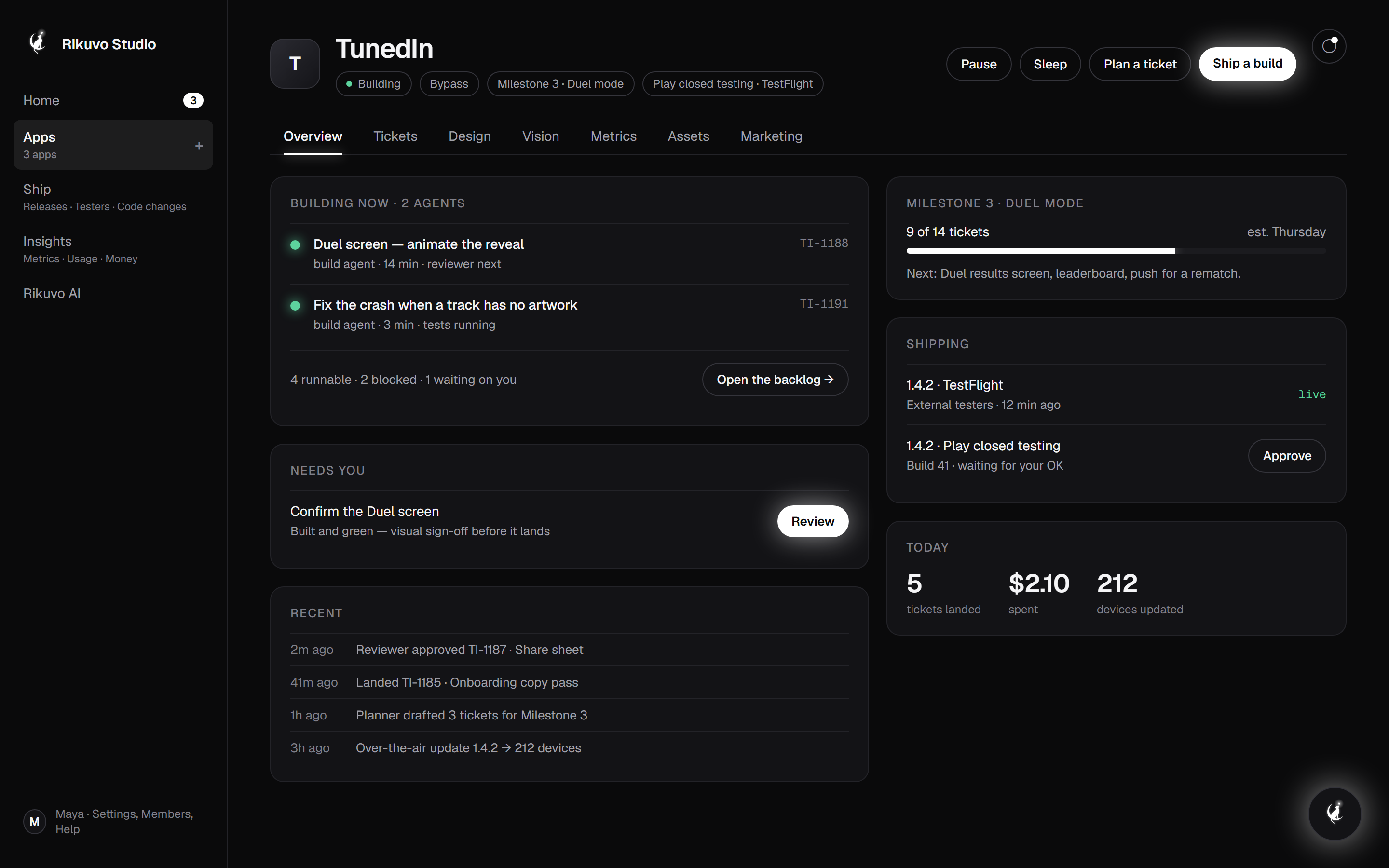
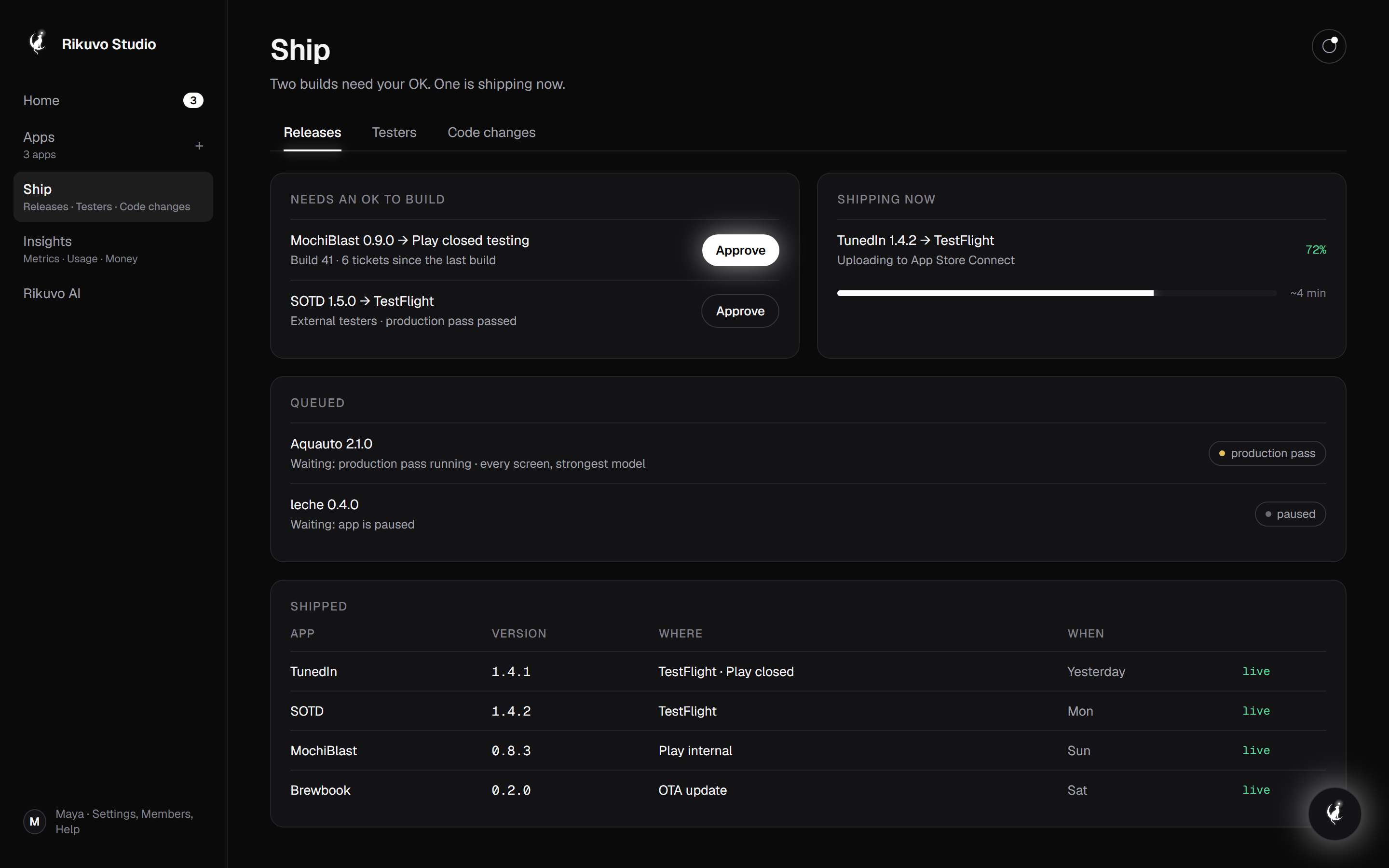
Five things happen, in a loop, for every app you own — whether it starts as a sentence or as a codebase you have shipped for years. You are in exactly one of them.
01
You describe it — or hand it over
New app: one page in plain English about what it is, who it is for and what done looks like. Existing app: connect the repo, and the engine reads it the way a new engineer would.
studio.rikuvo.us.com
02
The engine plans
It breaks the work into milestones and small, checkable pieces, sizes them, and keeps refining the plan as the app grows.
03
Builders work in parallel
Several AI builders take pieces at once. Tests run first; a second AI reviewer must approve every meaningful change before it lands.
04
Only what needs you, waits
Spending, anything the public will see, and open questions park for your tap. Answer from your phone. Everything else keeps moving.
studio.rikuvo.us.com
05
It ships
TestFlight and Google Play testing tracks, quick updates between store builds, and a QA agent tapping through the real app before each release.
studio.rikuvo.us.com
Three modes
Decide how much you want to be asked.
Supervised
Every piece of work is proposed to you first. Good for your first week, or your first app.
Auto
Work runs unasked; anything touching money or the public, and any open question, waits for you.
Bypass
Your standing consent: every gate clears, spend stays inside the caps you set.
Under the hood
For the engineers: what is actually running.
Skip this if you just want an app. Read it if you want to know what you are trusting.
Your repo, your history
Expo / React Native projects. Real git commits on real branches; the engine never rewrites history. Bring one repo or a whole portfolio, each with its own engine.
Gates, not vibes
Lint and tests before review. An adversarial reviewer on every non-trivial diff. A baseline test gate that blames only new failures. Per-change and daily spend caps you set.
Your accounts, your keys
Builds go through your Apple, Google and Expo accounts; the AI runs on your Claude subscription. Nothing is resold, nothing is metered, nothing leaves your name.
Motion — what moves on this page (a still can't show it)
01Steps — each step pins as you scroll (sticky number on the left) while its recording plays on the right; the next step slides under it.
02Recordings — 01 shows a vision doc becoming tickets; 04 shows a gate being approved from a phone and clearing in Studio; 05 shows a build reaching TestFlight.
03Loop line — a thin white line draws itself down the page connecting the five steps, with a firefly travelling along it.
04Modes — cards tilt slightly toward the cursor; the chosen mode's border glows.
05Under the hood — the section sits behind a hairline and reveals on scroll; the three cards use Geist Mono headers to signal 'this part is for engineers'.